Frozen Bubble
Penguins shoot coloured bubbles: three of a kind fall, and the ceiling comes down.
▶ Play Frozen Bubble free, in your browser, nothing to install
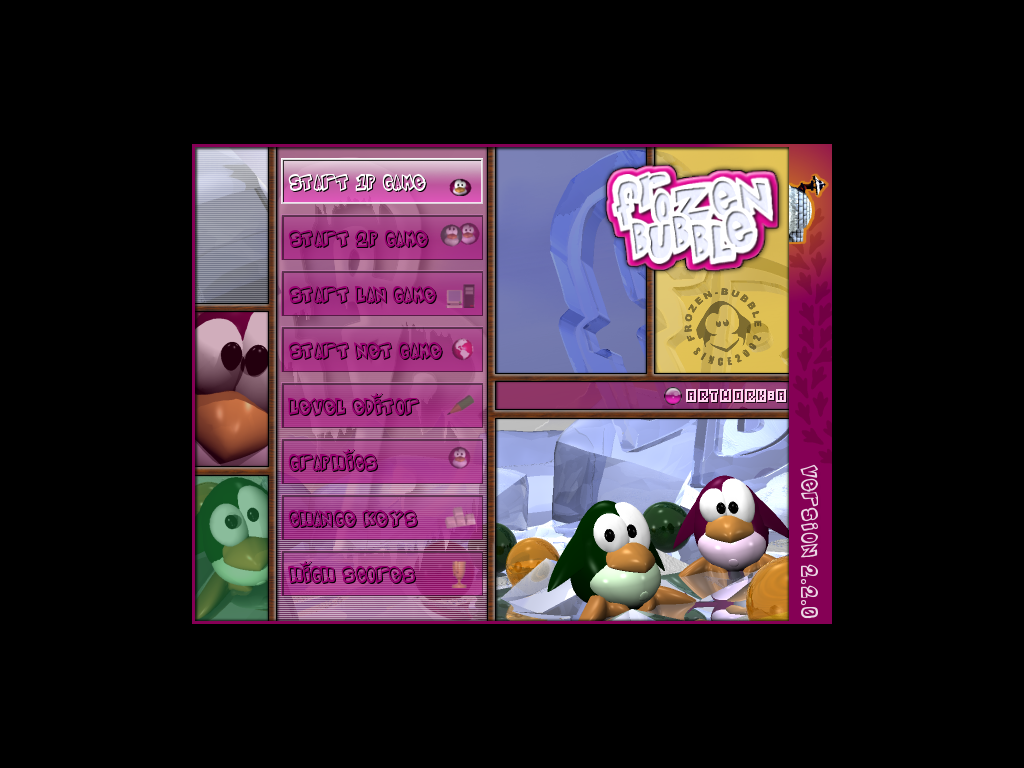
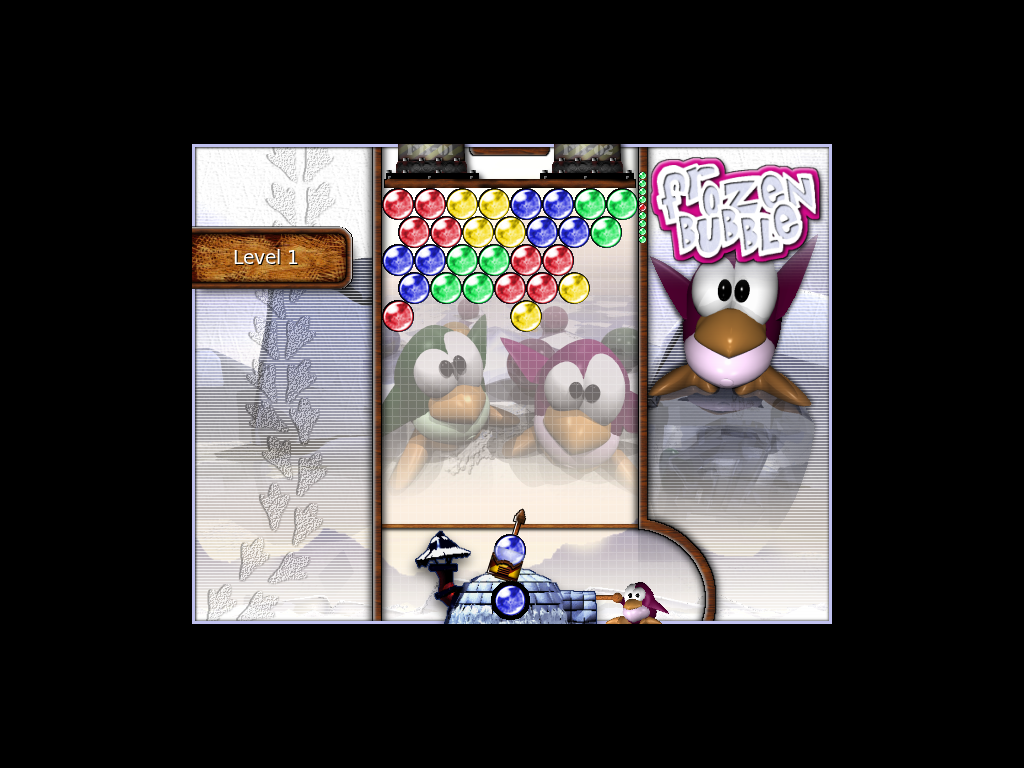
A penguin turns a launcher at the bottom of a frozen field and shoots coloured bubbles. A bubble sticks where it touches others; three or more of a colour together burst, and whatever hung from them falls. Every few shots the ceiling (alone) or a new row of bubbles (against someone) comes down, and a bubble that reaches the bottom ends the game. Take too long and the launcher fires by itself.
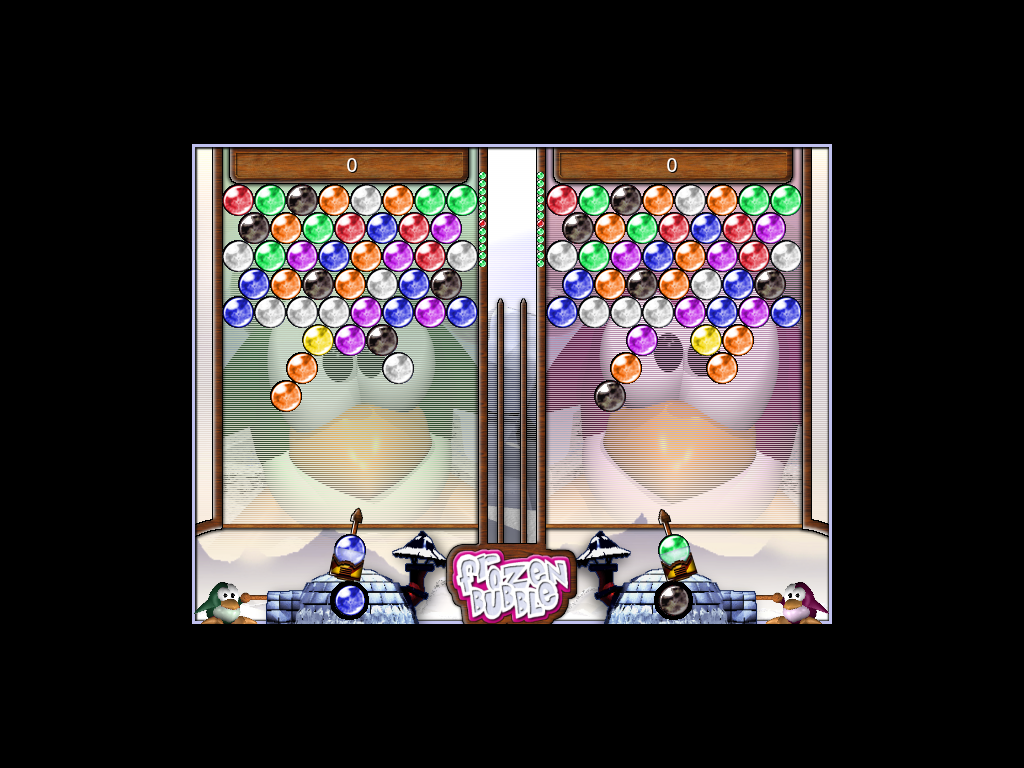
Alone you play the 100 levels in order or from any of them, random levels, or the multiplayer training, which sends you malus bubbles for two minutes and counts how many you send back. Two players share a keyboard: every group one of them bursts sends malus bubbles to the other's field. With chain-reaction on, falling bubbles that fit a group of their colour fly up into it and burst it too. The level editor makes levelsets of your own, which you can then play.
This is a port of Frozen Bubble 2.2.0 (2008) from its Perl and C source, frame by frame against the original. Online, two to five play one game over our server, as the original's network game: each player sends malus to the others, or to one of them.
Screenshots
Controls
| Up and Down (or Left and Right), Return | Menus: choose, then take |
| Left, Right | Player 1 (alone, and right in two-player games): turn the launcher |
| Up | Player 1: shoot |
| Down | Player 1: launcher straight up |
| X, V, C, D | Player 2 (left): turn left, turn right, shoot, straight up |
| Pause | Pause the game (again, Return, Space or Escape to go on) |
| Escape | Leave the game for the menu; in the menu, leave Frozen Bubble |
| Y or N | Chain-reaction on or off (random levels, training, two players) |
| Return in an online game | Chat: type a line, Return sends it, Escape drops it |
| F1–F4, F10 online | Send your malus to one opponent, or to all |
| F | Full screen on or off |
| F11, F12 | Music on or off, sound on or off (where the browser leaves these keys to the page) |
| Mouse in the level editor | Pick a bubble colour or the eraser, place bubbles (right button: erase), click the levelset and level commands |
| Keys in the level editor | Left/Right previous and next level, Up/Down first and last, A append, I insert, D delete, [ and ] move the level, J jump, S save, O open, F1 help, Escape back |
The original
Frozen Bubble (2002) by Guillaume Cottenceau (design and programming), Alexis Younes and Amaury Amblard-Ladurantie (artwork), Matthias Le Bidan (soundtrack), Kim and David Joham (level editor); Perl with SDL_perl and a C extension (Linux, Mac OS X, Windows). This port follows 2.2.0 (2008), the last release of the Perl game, the same rules, levels, graphics and sounds, running natively in the browser. License: GPL-2.0-only (Licenses & source). Players: 1–2 (on one computer), 2–5 online.
More free games
- 2048: Slide the tiles together until one of them is 2048.
- A Dark Room: Wake up in the dark, build a fire, and walk out into a world that wants you dead.
- Abuse: Run, jump and shoot through an underground prison overrun by mutants.
- Ballerburg: Two castles, two kings, one mountain between them.
- Biniax: Take the right pair before the field scrolls over you.
- Colossal Cave Adventure: The first text adventure: explore a cave by typing.
- Core War: Write programs that fight for a computer's memory.
- FreeCol: Found colonies in the New World, trade with Europe and the natives, and win independence.
- GLtron: Four lightcycles, one grid, and a trail that kills you as surely as the wall.
- GNU Chess: The GNU Project's chess program, at its own prompt.
- Hunt the Wumpus: Hunt a monster through a cave of twenty rooms.
- Maelstrom: Asteroids, alien fighters, and one very small ship.
- Moria: Go down into the mines of Moria and face the Balrog.
- NetHack: Descend into the Mazes of Menace and bring back the Amulet of Yendor.
- Netrek: Four empires, sixteen ships, one galaxy: team space combat and planet conquest.
- Passage: A whole life in five minutes.
- Pinball Construction Set: Build your own pinball table, then play it.
- Sopwith: A biplane, a row of targets, and a sky full of trouble.
- Teeworlds: Small round tees with grappling hooks and big guns: fast online deathmatch and capture the flag.
- Tux Racer: Race Tux down the mountain, collect herring and beat the clock.
- Tux, of Math Command: Zap the falling comets by solving their math problems.
- Worms?: Teach your worm, then watch what it makes of it.
- XPilot: Thrust, turn and shoot it out with other pilots in a space arena.